
Take the order at the table, print the docket in the kitchen.
SwiftPay supplies, installs and supports Clover and Nuvei for cafes, restaurants, bars and pubs. Orders taken at the table, dockets in the kitchen, and one set of numbers at close.
What Hospitality operators use it for
- Split the bill at the table
- Open and hold tabs at the bar
- Send orders straight to the kitchen
- Take tips on the terminal
- Take pickup and delivery orders online
- Cash up and reconcile at close
Through the day
From the first order to the last table
Service moves in one direction and never waits. Each part of the room needs its own answer.
Take the order and the payment where the guest is sitting.
- Carry a Clover Flex to the table. Take the order with modifiers like no onion or oat milk, send it through, and the card machine is already in your hand.
- Split a bill evenly, by item or by seat, and take four cards against one table without re-keying the round.
- Open a tab at the bar and keep adding to it until the group closes out at the end of the night.
- Prompt for a tip on screen before the card is taken, so staff aren't chasing pens and paper dockets.
The order lands with the kitchen the moment it's taken.
- Print the docket at the pass as the order is taken, or send tickets to a kitchen display if you'd rather stop running paper.
- Route by section so grill orders go to the grill and drinks go to the bar, and the pass isn't sorting tickets by hand.
- Mark an item sold out once and it stops being ordered on every terminal on the floor.
- Bring online and delivery tickets into the same queue as the floor's, so the kitchen works one line of dockets. Which delivery apps connect depends on your market.
Cash up, pay the staff and see what the week actually did.
- Close out with takings, tips, voids and refunds on one report, instead of adding up dockets after midnight.
- See what sold by day and by hour, so the order to the supplier matches how the venue actually trades.
- Give a chef or a duty manager their own login and see who put through each void, discount or refund.
- Hand the bookkeeper a figure that came off the till rather than a photo of a Z-read.
The kit
What we usually put in a venue
Nothing here is fixed. It is where most operators in your trade land, and we quote to your counter, not to a template.
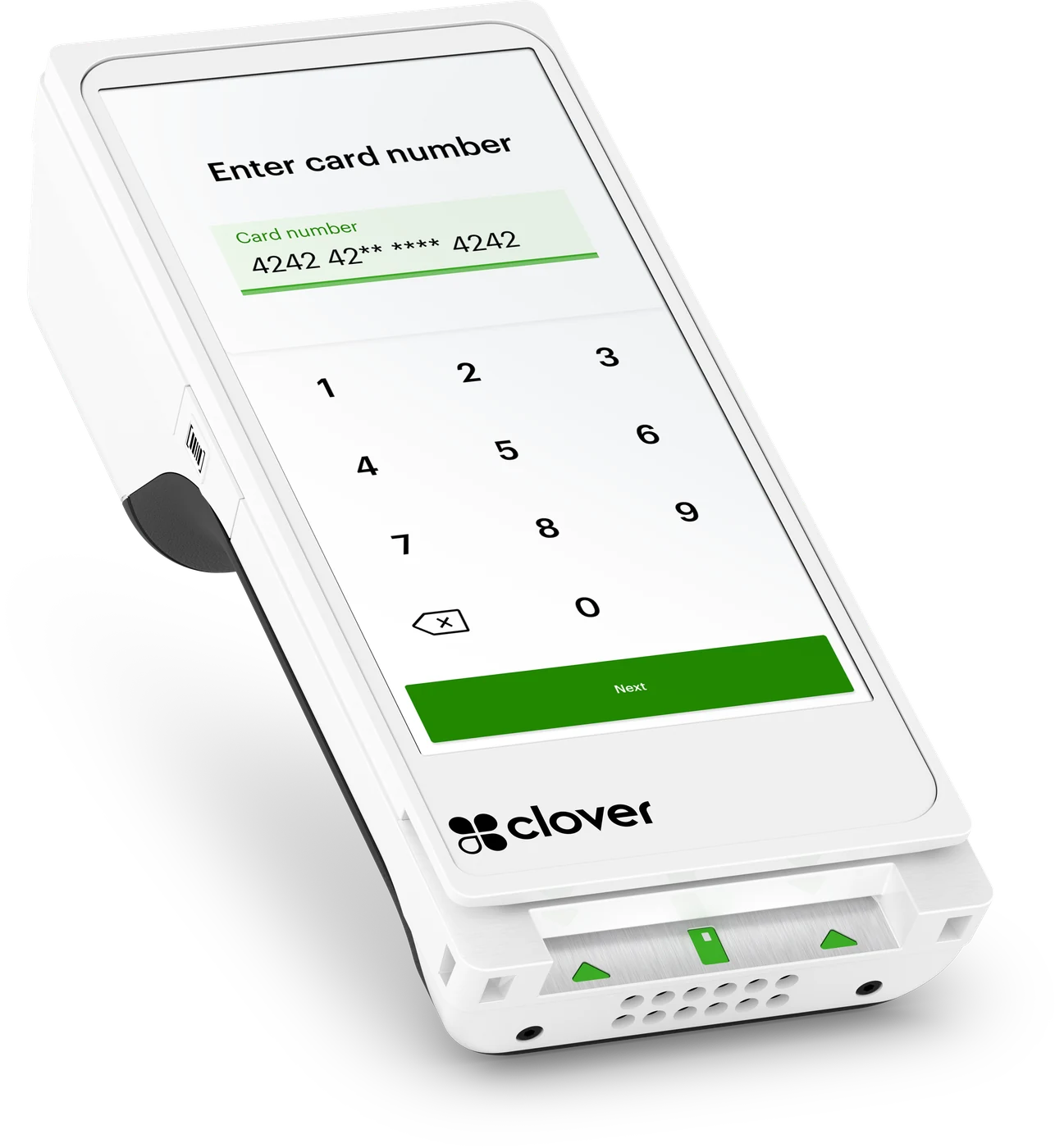
Clover Flex
The Flex is the one device that goes to the table: it takes the order, sends it to the kitchen, prompts for the tip, takes the card and prints the receipt without anyone walking back to the till. It runs on the venue Wi-Fi and holds a 4G connection as well, so a wobbly router doesn't stop service at eight o'clock on a Friday.
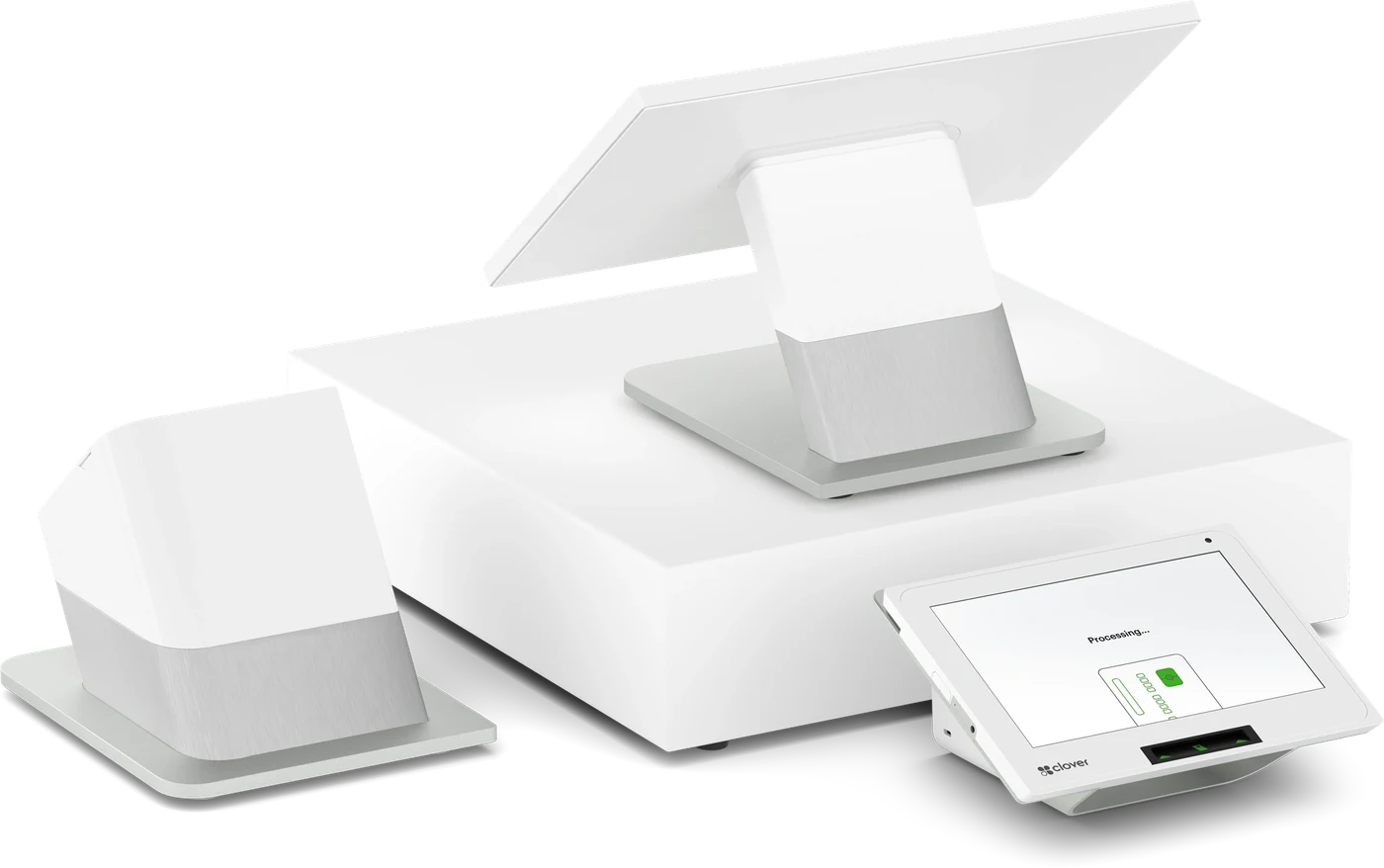
Clover Station Duo
Sits at the pass or the front counter as the main till, with the customer-facing screen carrying the tip prompt and receipt choice while your staff keep working the order.
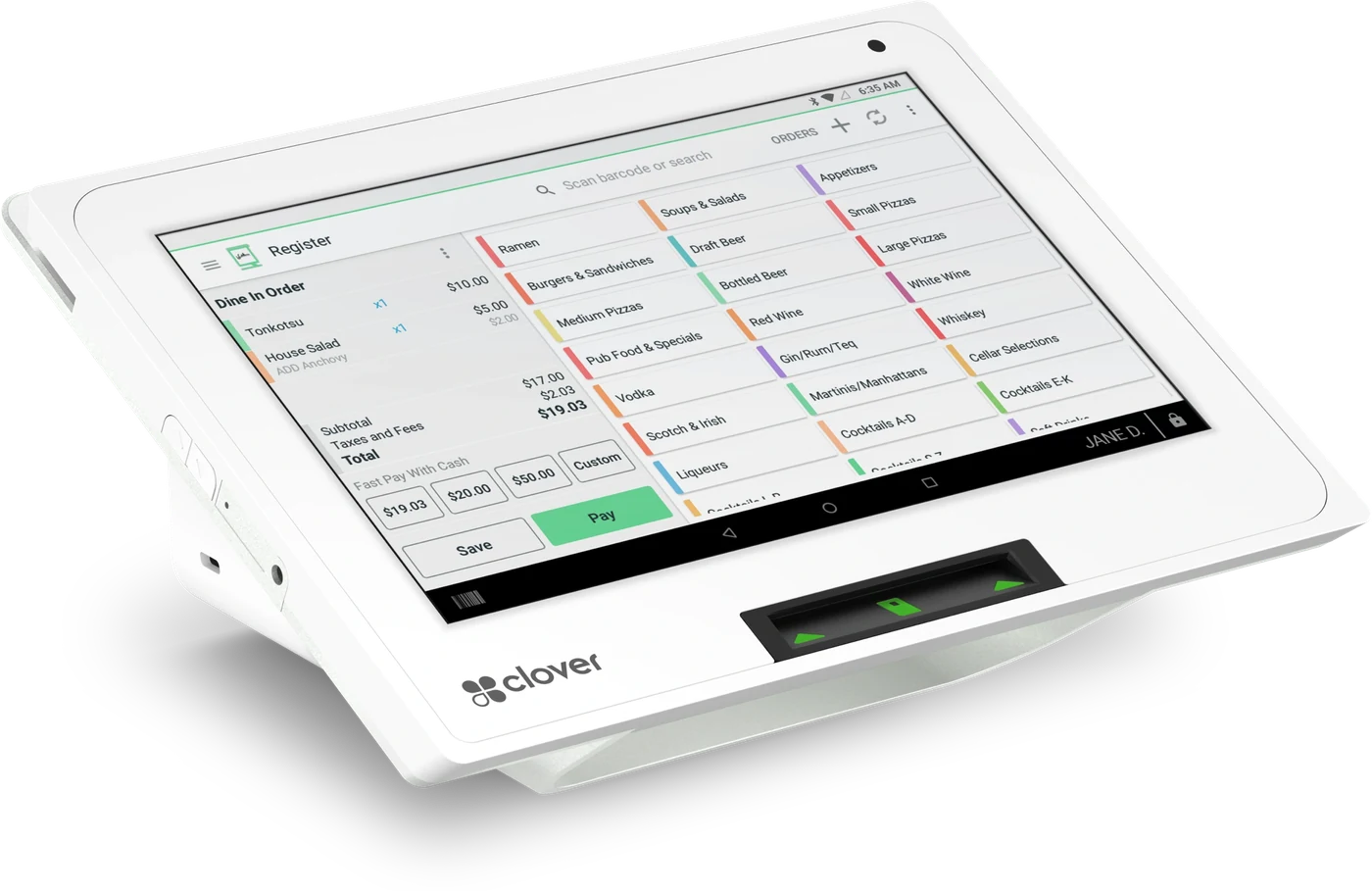
Clover Mini
Compact enough for a crowded bar top or a coffee counter, and it still prints its own dockets and receipts.
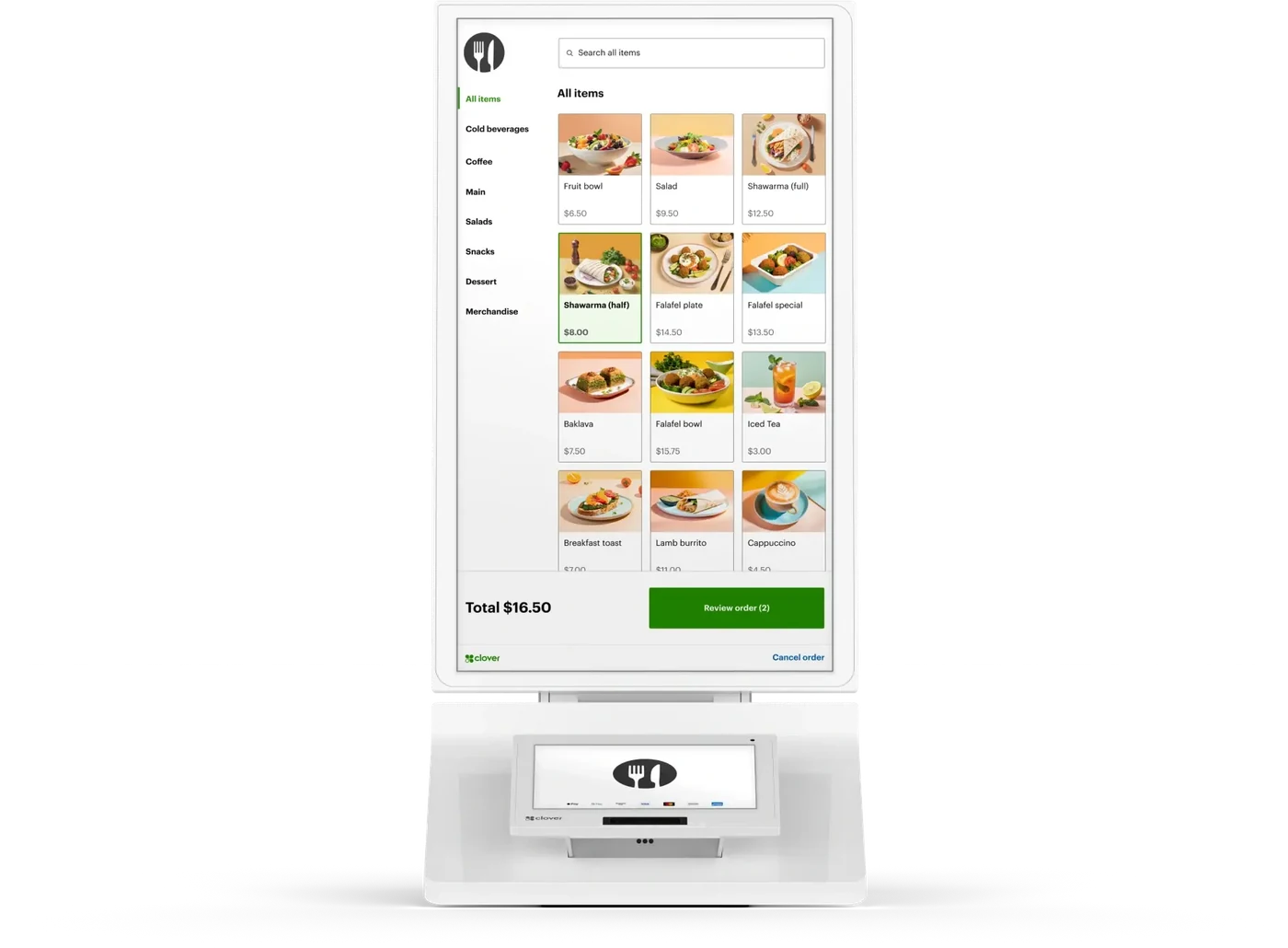
Clover Kiosk
For a quick-service counter, bakery or bottle shop where guests order and pay themselves on the 24-inch screen while staff stay on the machine.
Works with what you run
It has to fit the rest of your business
A till that will not talk to your accountant just moves the work somewhere else. These are the connections that matter most in your trade.
Accounting
Xero, MYOB and QuickBooks all connect through the Clover App Market, so takings, voids and refunds reach the bookkeeper without a re-type. The apps on the list differ between Australia, the US and Canada, so check with us first.
Rostering & payroll
Line rostered hours up against how the venue actually traded, using rostering and payroll apps such as Deputy, ADP or Gusto in the Clover App Market. Which ones you can get depends on where you trade.
Online ordering & delivery
Take pickup and delivery orders, and work DoorDash or Uber Eats tickets alongside the floor's, where those integrations are available in your market. Online ordering and payments can also run through Nuvei.
Bookings
Bookings apps in the Clover App Market can hold the table and take a deposit before the guest arrives, so a no-show costs you less on a Saturday night. We'll confirm which ones are available where you trade.
Apps are added and withdrawn market by market. Tell us what you already run and we will confirm what is live for you before you commit — see the Clover App Market.
Done for you
We set it up, then we stay on the end of the phone
You are buying an installation and a local contact, not a carton.
Installed on site
We deliver, mount and configure the hardware in your premises — not a box in the post.
Loaded before handover
Your products, prices and modifiers are built in before we hand the system over.
Your team trained
Hands-on training so every shift can take payments, run refunds and cash up.


Questions
Hospitality, answered
The things operators in your trade ask us before they sign.
Another trade? See every industry we set up.
Ready to get paid your way?
Tell us about your business and our local team will put together the right Clover hardware and processing setup — with pricing to match.