
Take payments at the counter, on the floor, anywhere.
Tap, dip or swipe on Clover POS across countertop, handheld and kiosk devices — with least-cost debit routing keeping your fees down on every sale, where your market supports it.
Every way they pay
How you take payments in person
Whatever your customer reaches for, Clover accepts it at the counter — and routes it the smart way.
Tap & PayWave
Contactless taps from cards, phones and watches clear in under a second — the way most customers pay now.
Chip & PIN
Insert and verify with a PIN for higher-value sales, with EMV security built into every Clover device.
Swipe
Magnetic-stripe fallback keeps older and international cards moving through the checkout without a hitch.
EFTPOS least-cost routing
Contactless debit is routed down the cheaper available network rather than defaulting to the more expensive one. We check whether that is working in your favour.
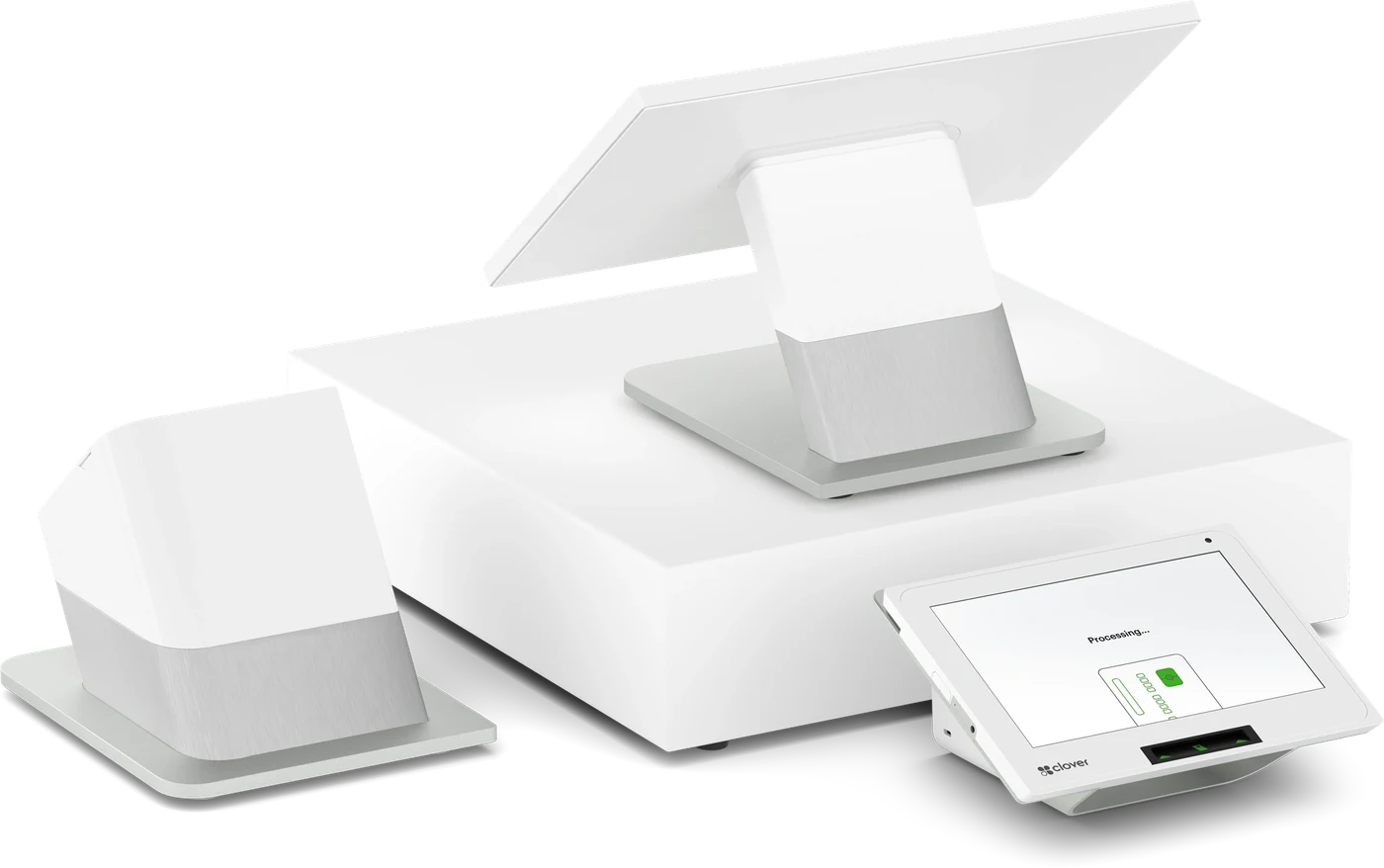
More than a card reader
One Clover POS runs the whole counter
Clover isn't just how you get paid — it's the system that runs the front of house, so your takings, stock and staff all live in one place.
- Menu & inventory managed from the till
- Staff logins, roles and shift tracking
- Real-time sales reporting on any device
- Keeps taking payments even when the internet drops
- Integrates with the apps that are live in your market
Clover hardware
Devices for every format
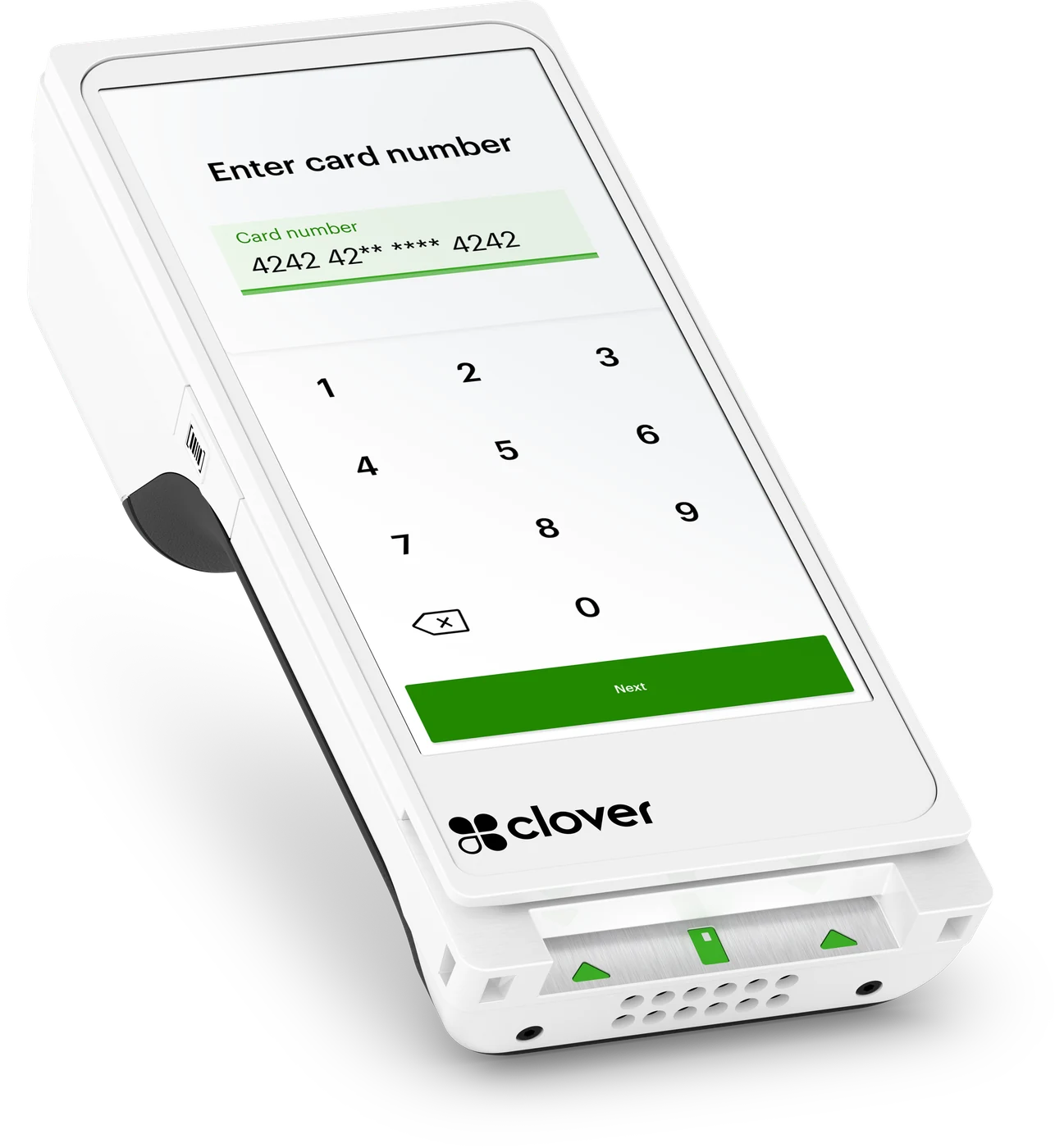
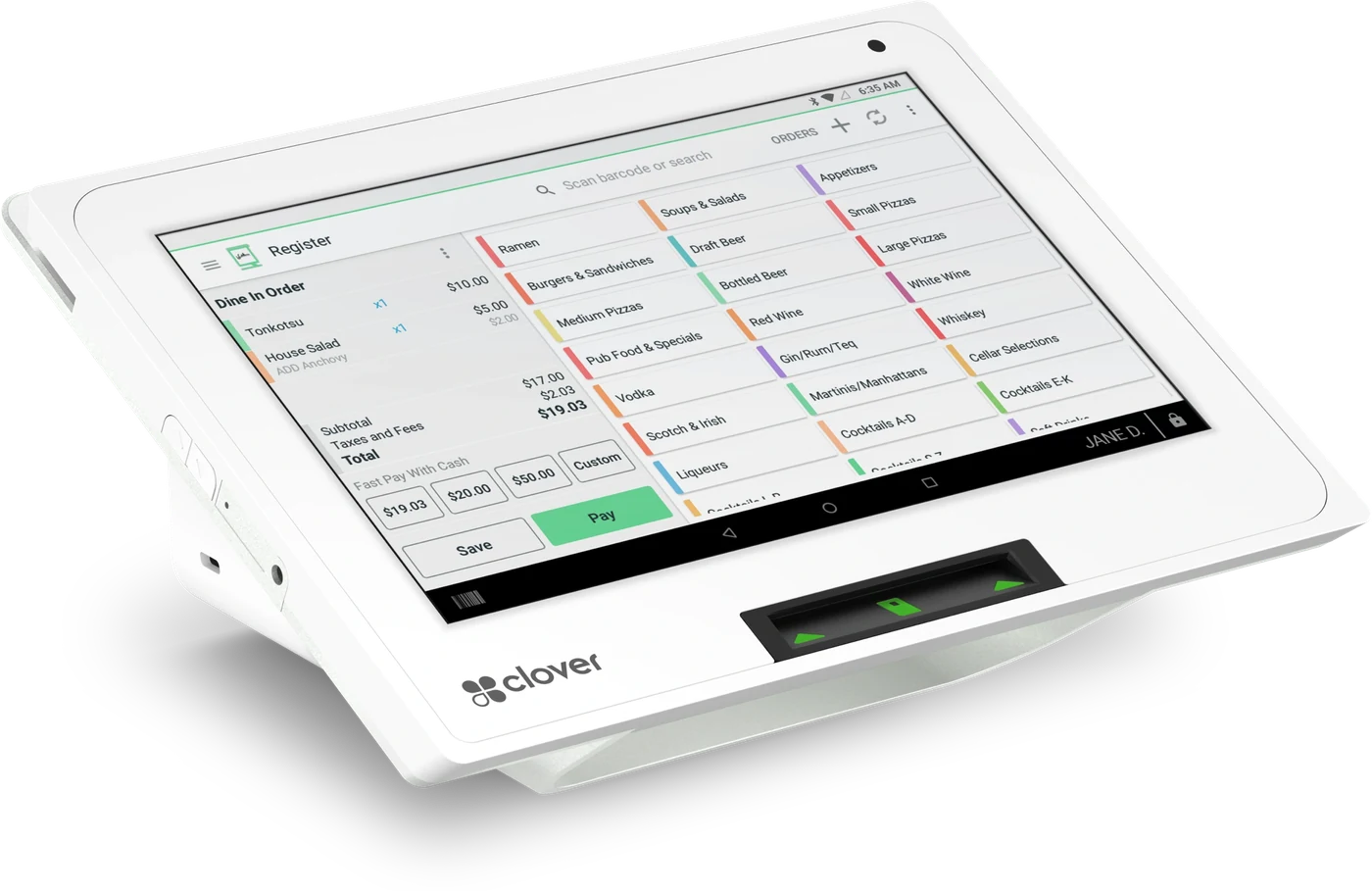
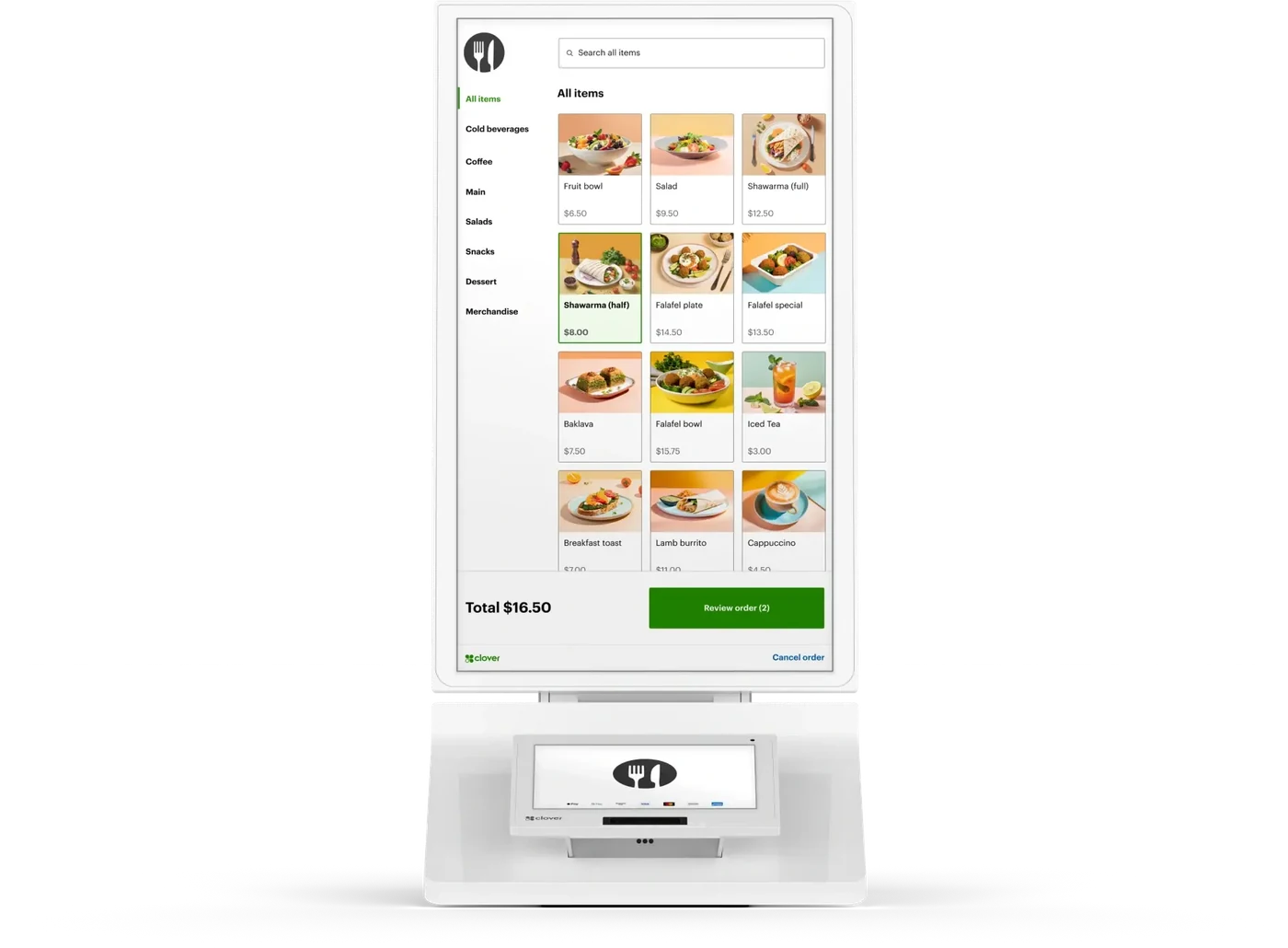
Four of the six Clover devices, matched to how you serve. Explore any of them in detail on our hardware page.
Local, hands-on
Set up and supported by locals
A local team installs the hardware, trains your staff and answers the phone afterwards — on your own trading hours, not someone else's.
On-site installation
Our local team sets up your Clover hardware in person and configures it for the way you trade — no unboxing on your own.
Staff training
We walk your team through taking payments, refunds and end-of-day so everyone is confident before you go live.
One local contact
Hardware and processing under one roof, with support in your own time zone from people you can actually reach — not an overseas queue.
FAQ
In-store questions, answered
The things merchants ask us most about taking payments in person.
Which Clover device suits my business?
It depends on how you serve customers. A café with table service usually loves the handheld Flex; a tight retail bench suits the compact Mini; a busy counter runs best on the Station Duo with its customer-facing display; and high-volume venues add a self-service Kiosk to cut the queue. We help you match the right mix during your quote.
Does EFTPOS least-cost routing lower my fees?
It can, for Australian contactless debit taps taken in person. It routes each one down the cheaper available network rather than defaulting to the more expensive scheme, with no change to how your customers tap. Whether that lowers your overall cost depends on your card mix — we enable it, then check whether it is actually working in your favour, and tell you if it is not.
How fast can I be set up?
Most merchants are installed, trained and taking payments within days of approval. We schedule the on-site installation around your trading hours so switching to Clover doesn't cost you a day of business.
Ready to get paid your way?
Tell us about your business and our local team will put together the right Clover hardware and processing setup — with pricing to match.