
The shop floor and the website, on one stock list.
Scan it at the counter, pick it for a click-and-collect order, and the count drops in the same place. We supply the till, set up the processing and train your staff before you trade on it.
What Retail operators use it for
- Scan barcodes at the counter
- Keep sizes and colours in one list
- Refund or exchange against the receipt
- Sell and redeem gift cards
- Pick click-and-collect orders
- Count stock without shutting the shop
Through the day
From the shop floor to the stockroom
Selling is the easy part. Knowing what you still have, and getting it back on the shelf, is the rest of it.
Book the delivery in before the doors open.
- Scan the cartons in against the order so the count is right before trading starts.
- Add a style once, then hang its sizes and colours off it as variants.
- Print barcode labels for the lines that turn up without one.
- Set a low-stock level per line so a reorder gets flagged, not remembered.
Ring the sale up without holding the queue.
- Scan the tag and the exact size and colour comes up, not just the style.
- Add a customer-facing screen and the buyer reads the line items and taps on their own side.
- Give each staff member their own login, so sales and discounts are attributed.
- Send eligible debit taps down the cheaper rails with EFTPOS least-cost routing (AU).
Returns, gift cards and the orders that came in overnight.
- Pull the original receipt up to refund or exchange, and put the piece back into stock.
- Sell a gift card at the counter and redeem what's left on the next visit.
- Pack click-and-collect orders off the same stock list the floor sells from.
- Cash up at close and read the day by line, by staff member and by hour.
The kit
What we usually put in a shop
Nothing here is fixed. It is where most operators in your trade land, and we quote to your counter, not to a template.
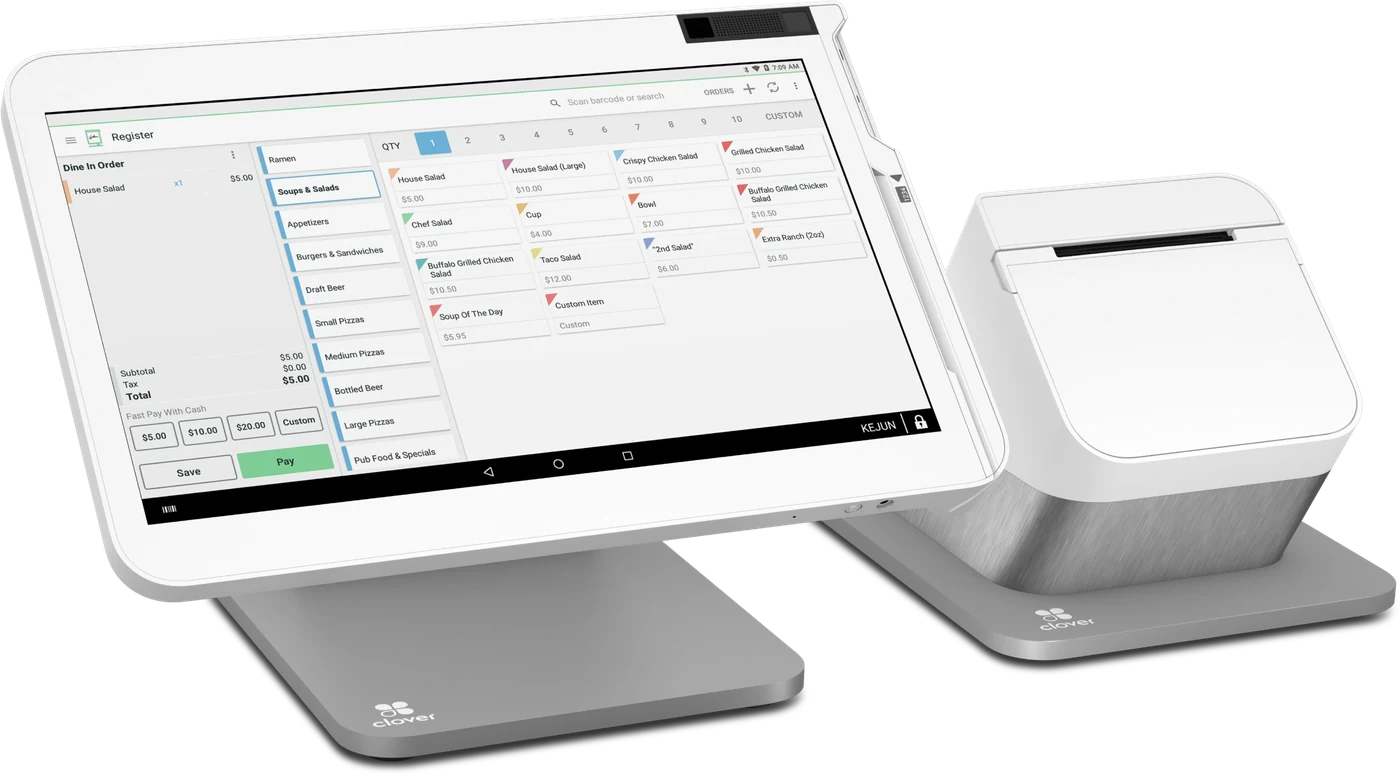
Clover Station Solo
The Station Solo is the shop counter in one unit: a 14-inch merchant screen, a barcode scanner plugged straight into it, and the receipt printer and cash drawer a shop still needs. It holds the stock list the whole shop works from, which is why a stocktake, a size swap and a refund all start on the same screen.
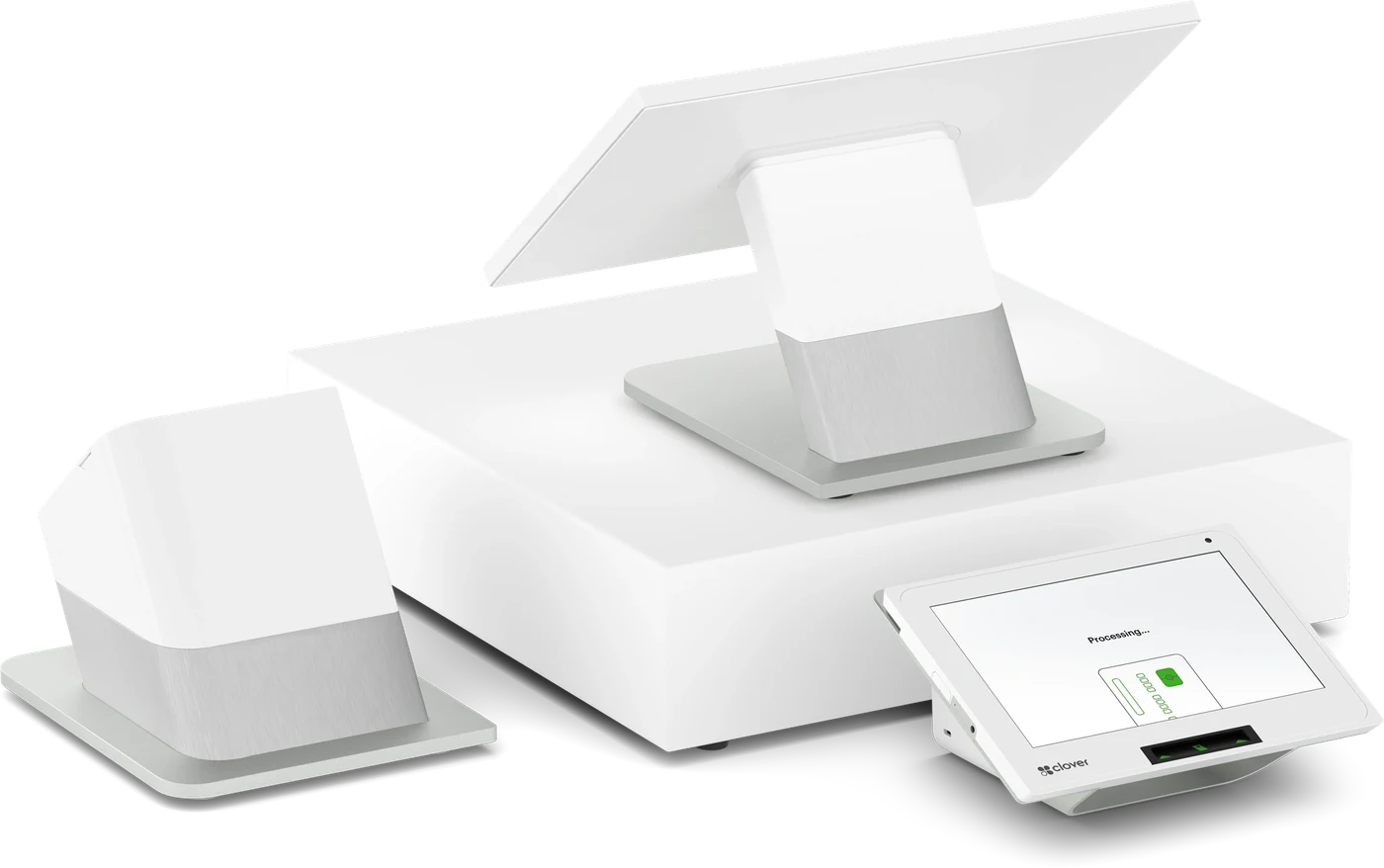
Clover Station Duo
The same counter with a second screen facing the customer, so the buyer checks the line items and taps for themselves. Worth it once the queue on a Saturday gets long.
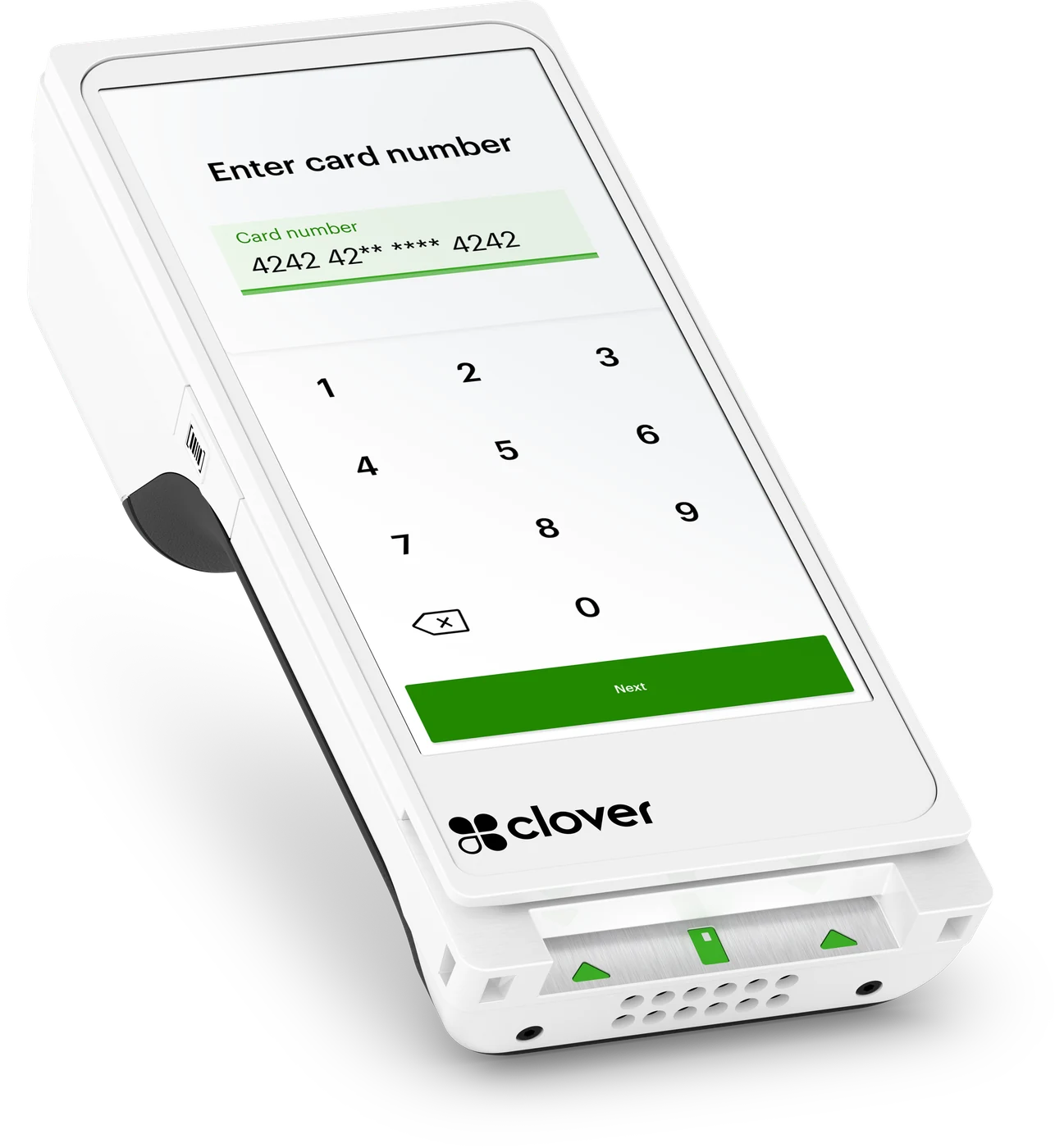
Clover Flex
Carry it to the fitting room or the market stall. It scans the tag and prints the receipt in your hand, on Wi-Fi or 4G.
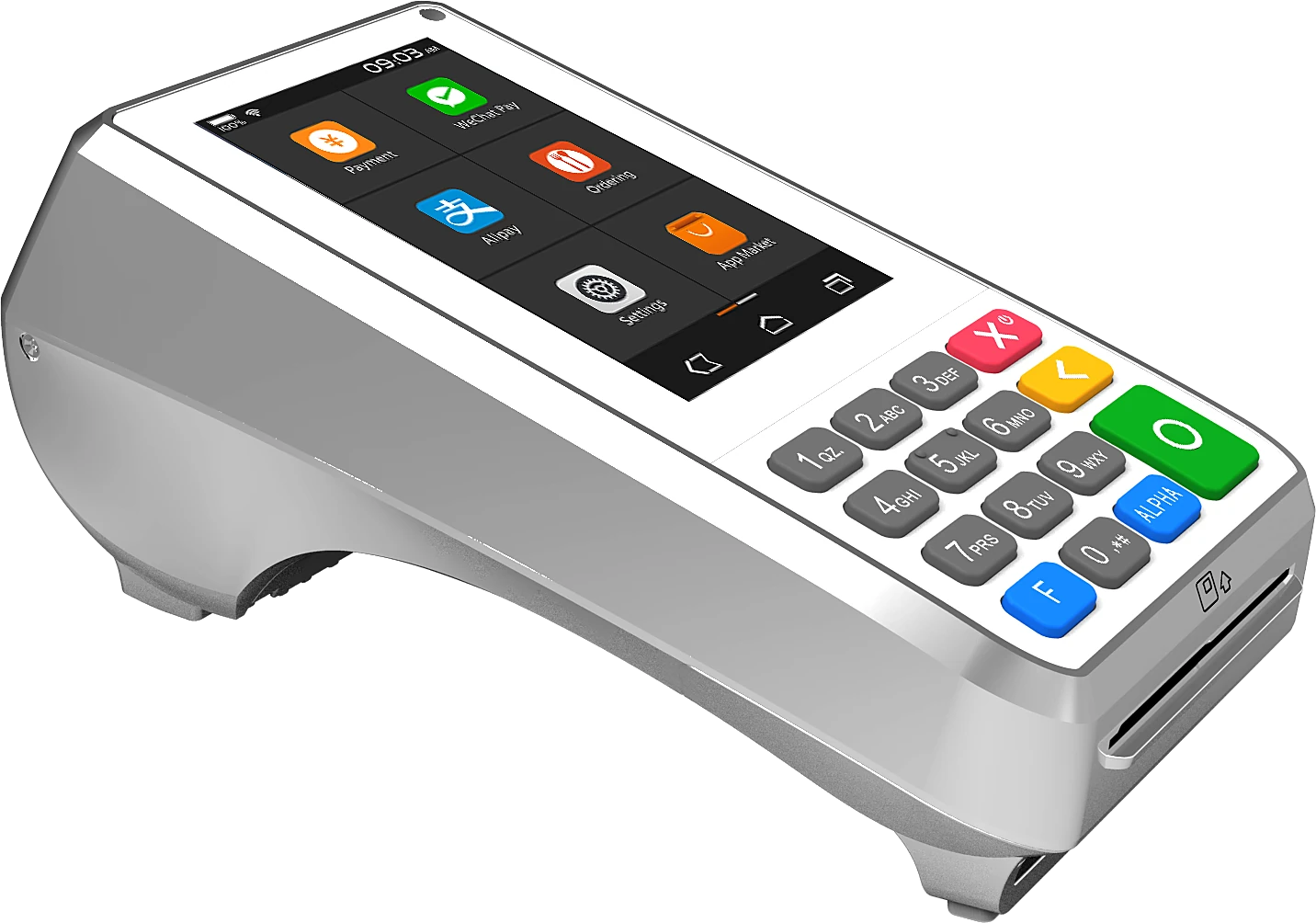
PAX A80
If you're keeping the till you already have, this Nuvei terminal sits beside it, and the physical keypad suits keying a phone order in.
Works with what you run
It has to fit the rest of your business
A till that will not talk to your accountant just moves the work somewhere else. These are the connections that matter most in your trade.
Accounting
Rather than keying the weekend in again on Monday, let Xero, MYOB or QuickBooks take the day's figures through the Clover App Market. Which apps are listed depends on your market, so ask us. The apps on the list differ between Australia, the US and Canada, so check with us first.
Online selling
Take card payments on your website through Nuvei, plus payment links for the piece someone claims in a DM or over the phone.
Rostering & payroll
Roster the weekend floor and send hours through to payroll. Deputy, ADP and Gusto are all Clover App Market apps, though not every one of them in every country — we'll check yours.
Gift cards & loyalty
Run gift cards and a points or stamp scheme from apps in the Clover App Market. Availability changes by market, so check with us before you print the cards.
Apps are added and withdrawn market by market. Tell us what you already run and we will confirm what is live for you before you commit — see the Clover App Market.
Done for you
We set it up, then we stay on the end of the phone
You are buying an installation and a local contact, not a carton.
Installed on site
We deliver, mount and configure the hardware in your premises — not a box in the post.
Loaded before handover
Your products, prices and modifiers are built in before we hand the system over.
Your team trained
Hands-on training so every shift can take payments, run refunds and cash up.


Questions
Retail, answered
The things operators in your trade ask us before they sign.
Another trade? See every industry we set up.
Ready to get paid your way?
Tell us about your business and our local team will put together the right Clover hardware and processing setup — with pricing to match.