
Everything we can set up in the United States.
No filters and no footnotes — every line on this page is available where you trade. What is not here, we cannot get you yet, and we would rather say so.


The hardware we supply here
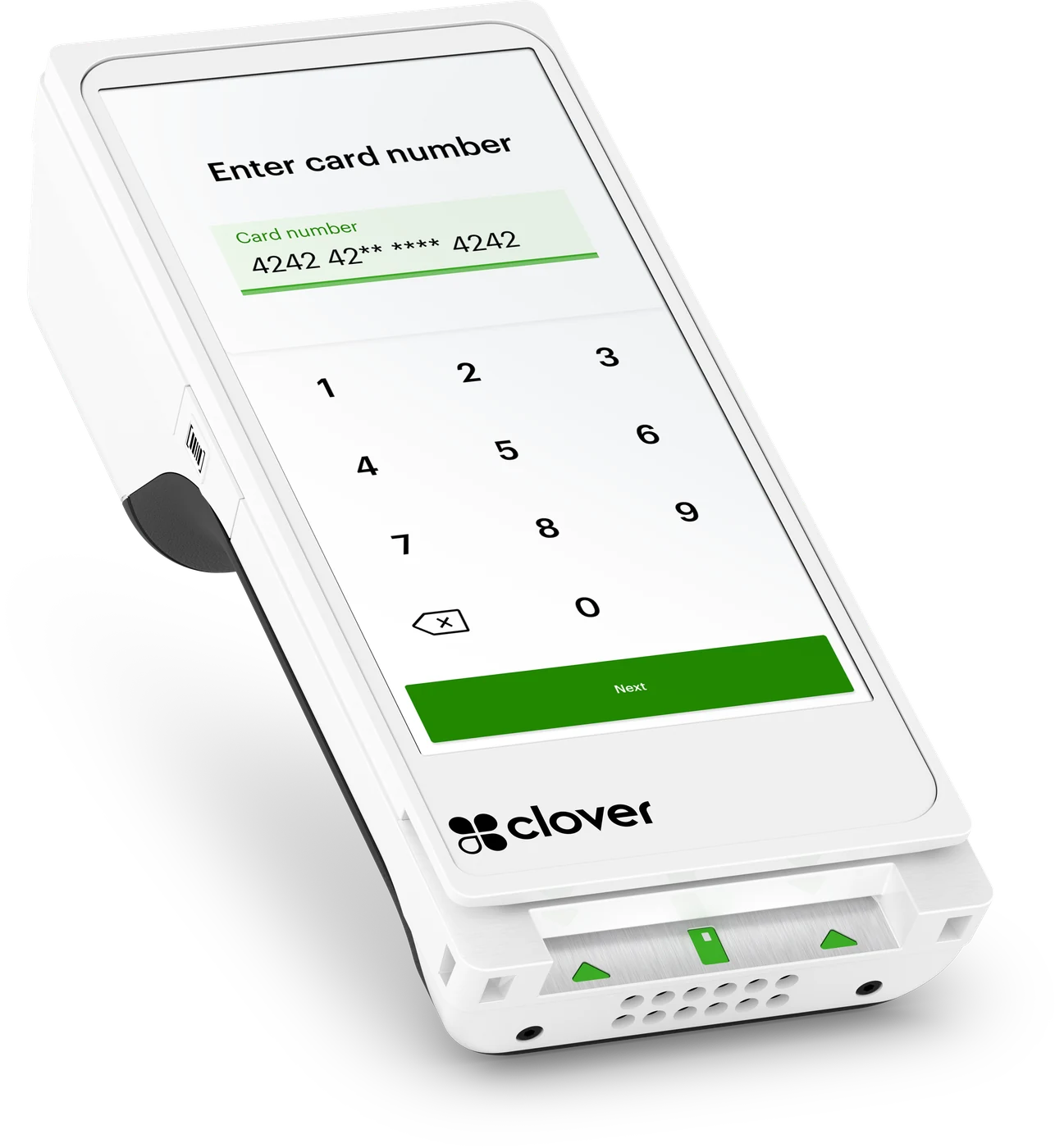 Clover Flex
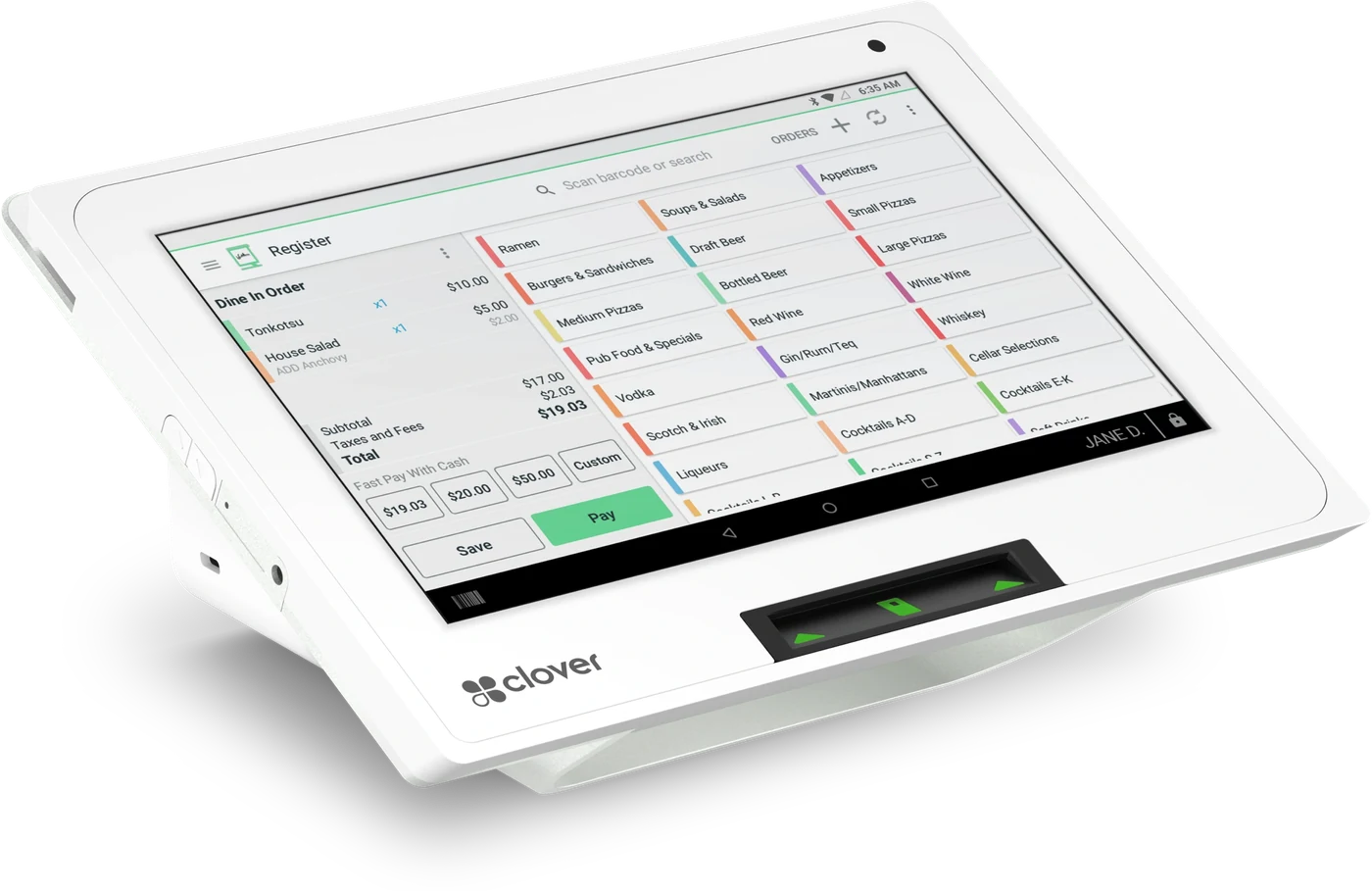 Clover Mini
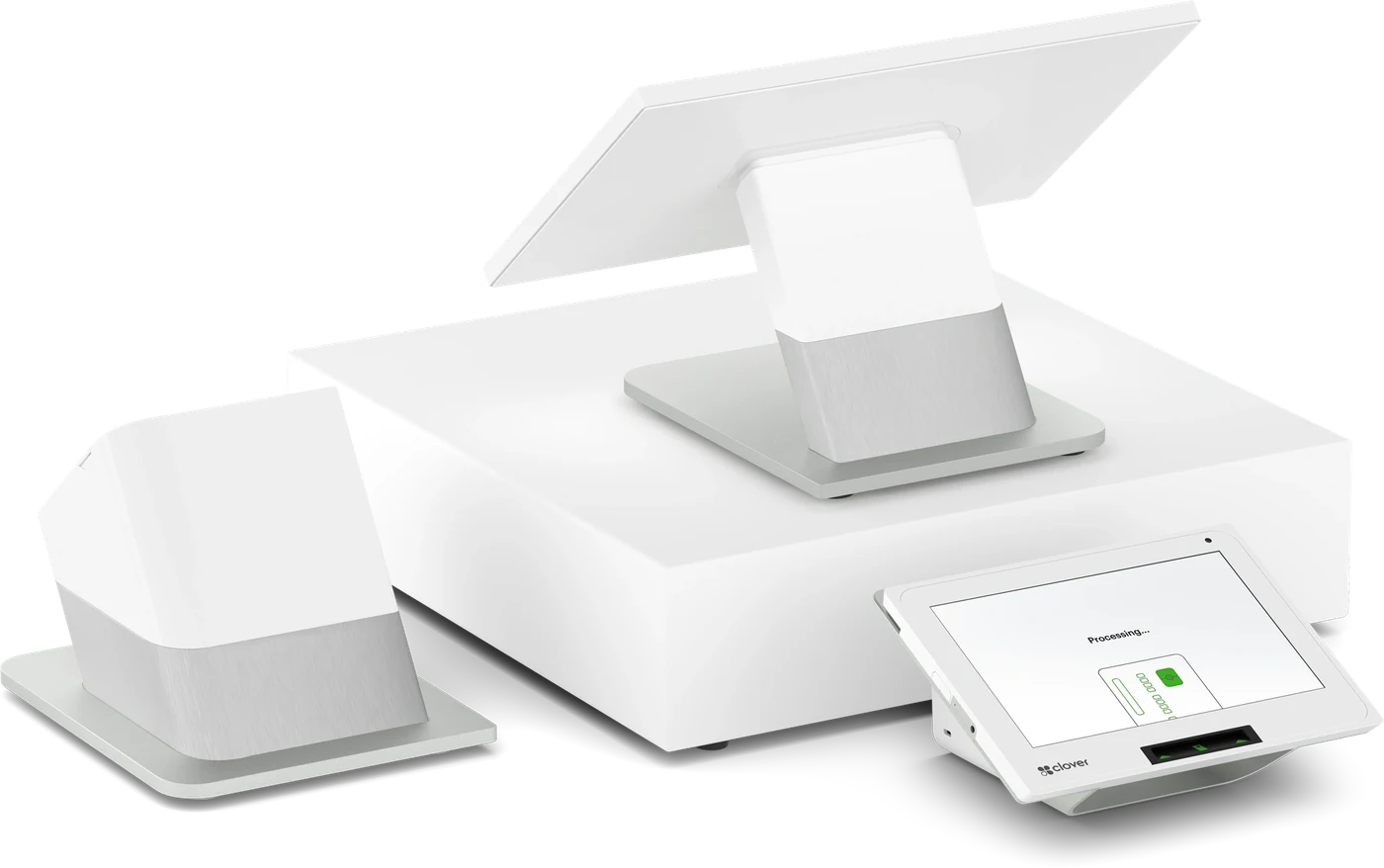 Clover Station Duo
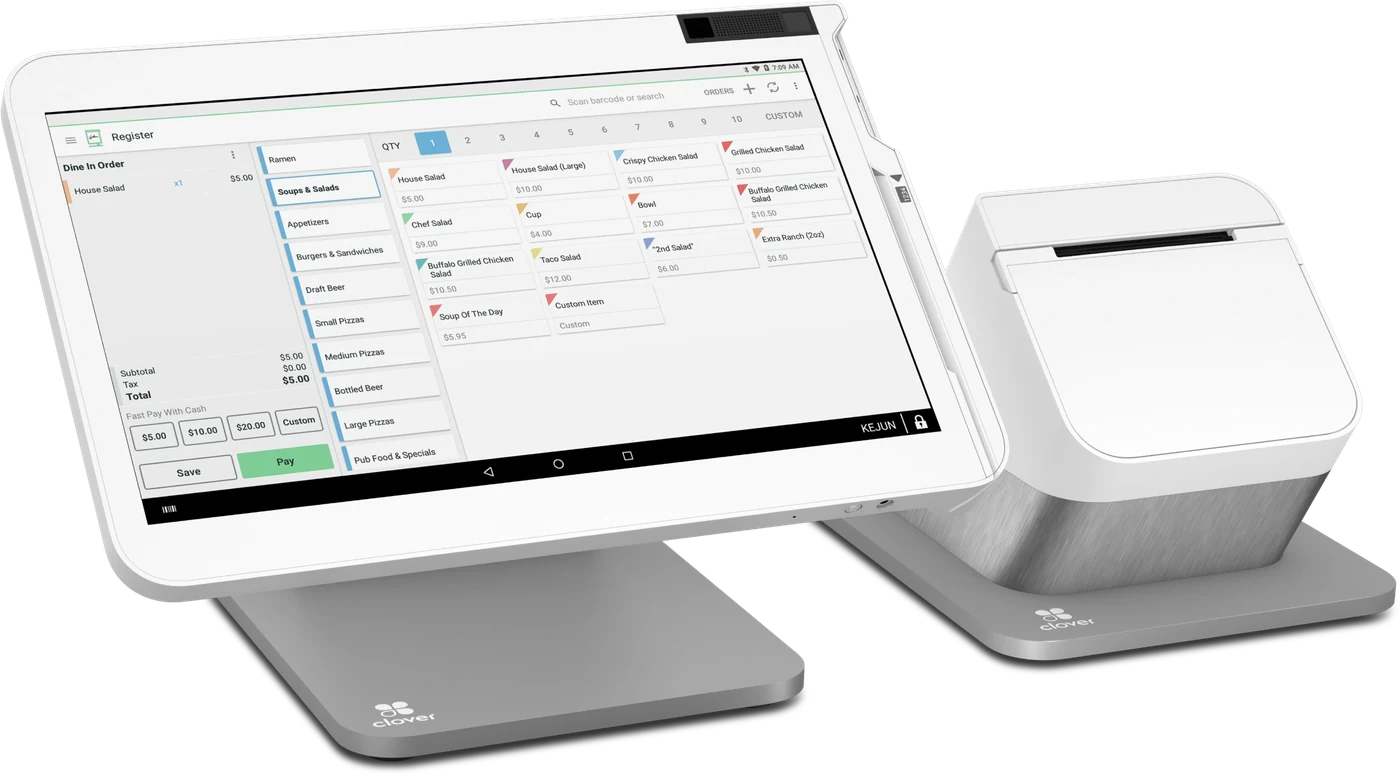 Clover Station Solo
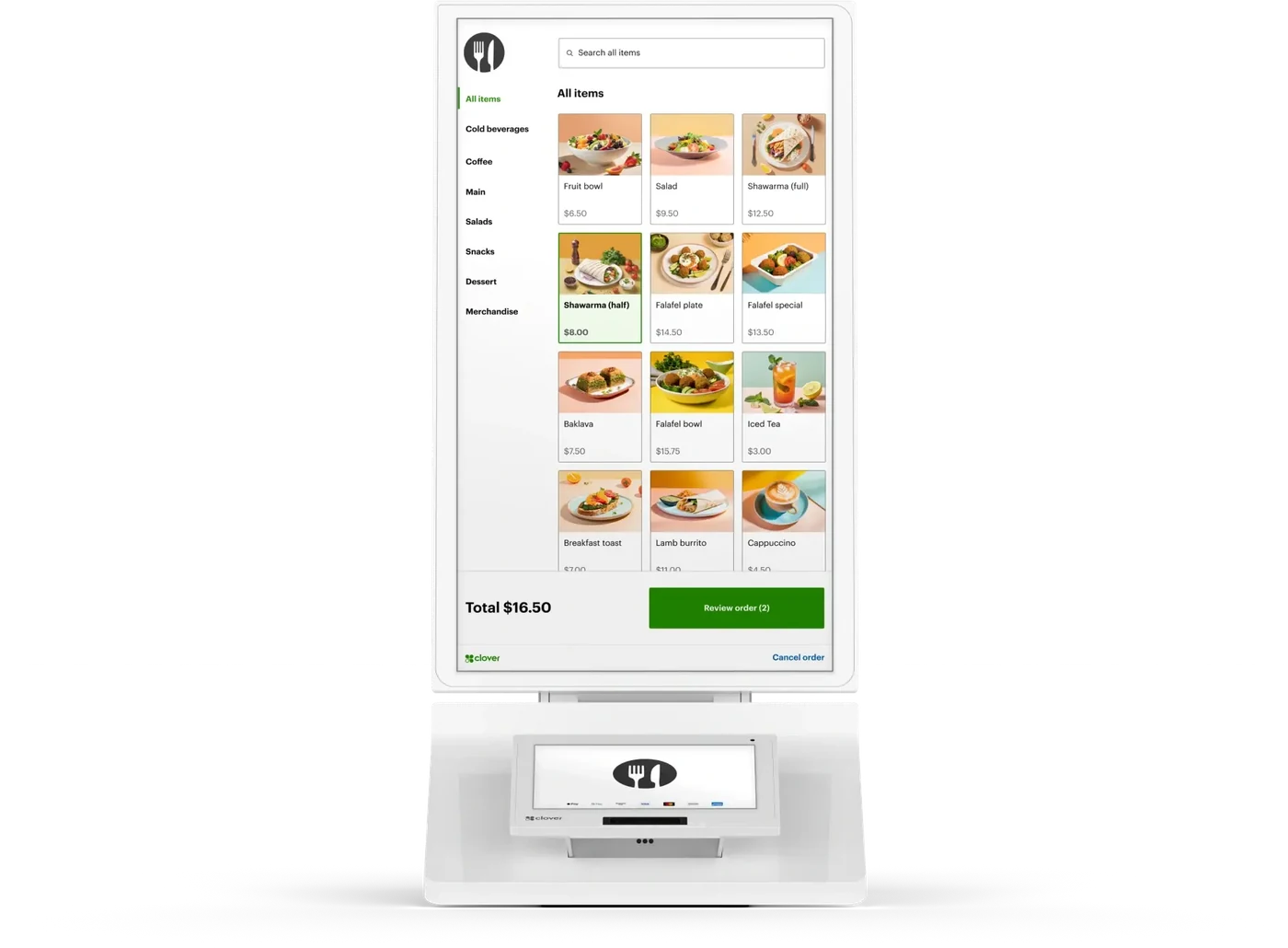 Clover Kiosk
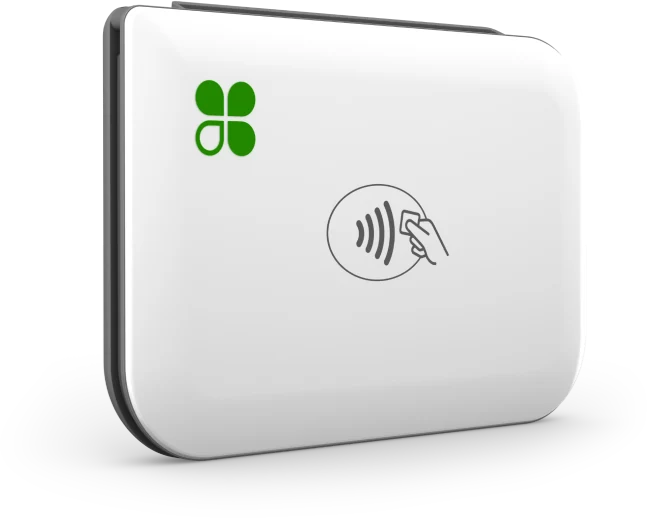 Clover Go
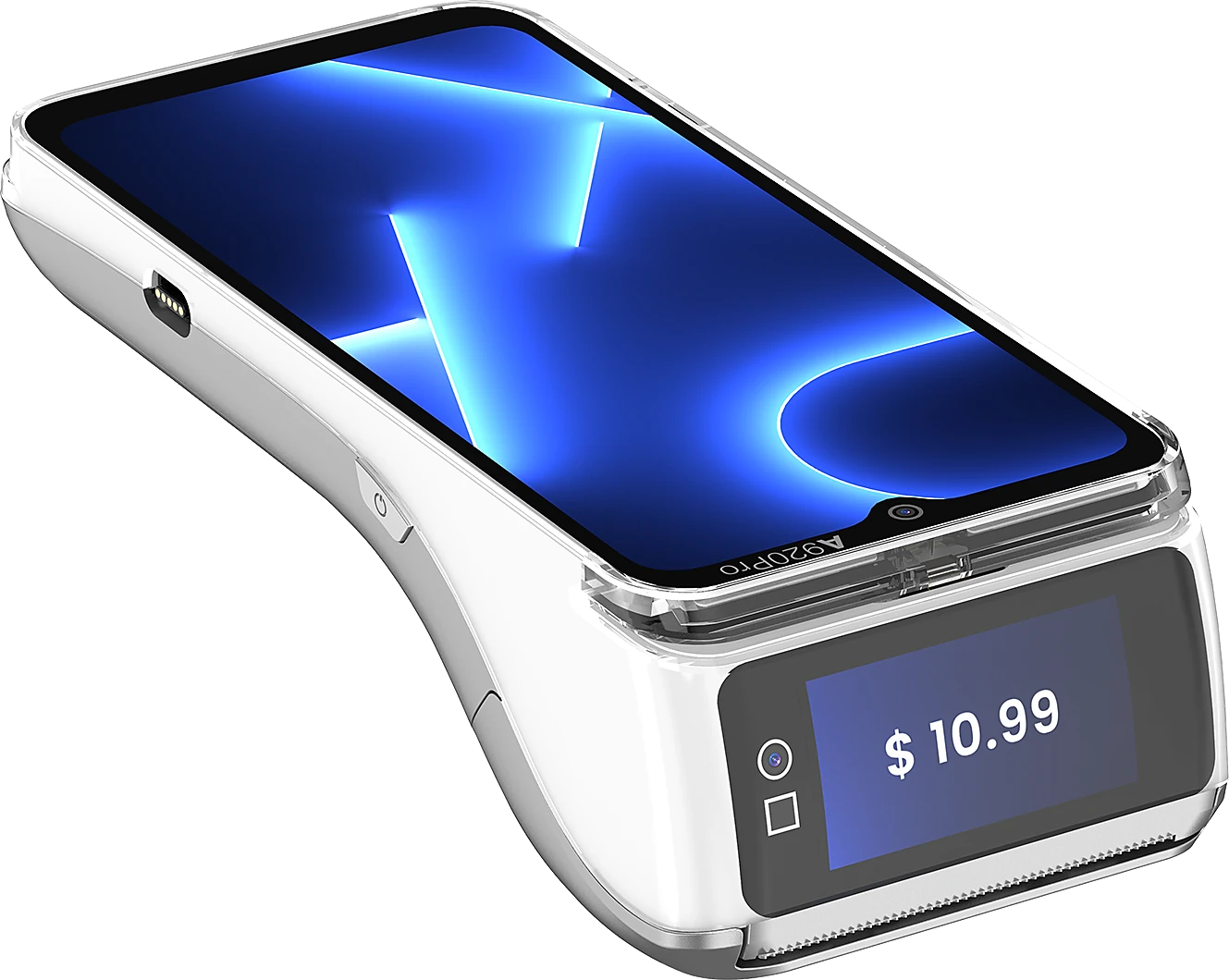 PAX A920 Pro
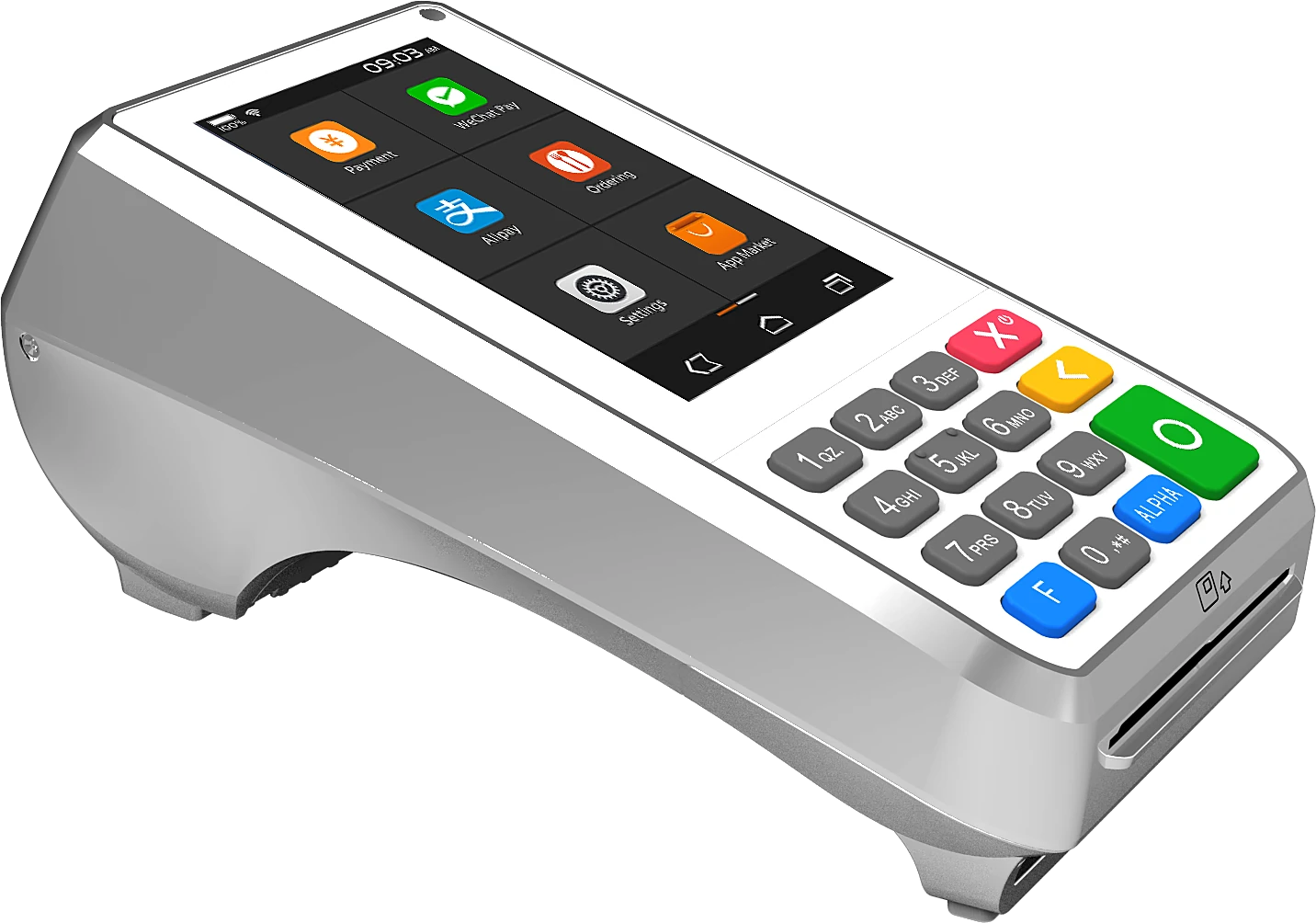 PAX A80
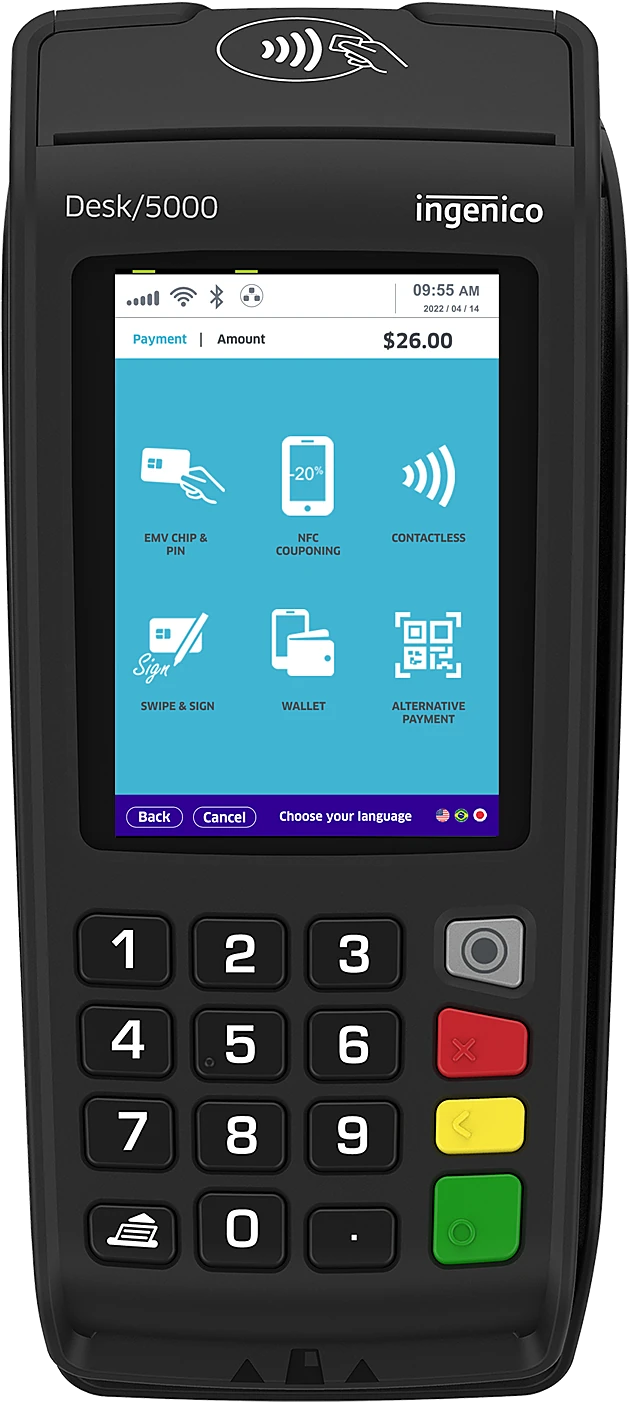 Nuvei Desk/5000
Sell in more places
Every way to take money that does not involve someone standing at your counter with a card.
Your own online ordering page
We build you a branded ordering page and wire it into the till, so web orders print in the kitchen like any other docket. No marketplace commission on them — they are your orders.
Needs a Clover device with a printer and a Counter Service or Table Service plan. Card-not-present rates apply to online orders.
Runs on Clover
Delivery marketplaces into the till
Your Clover system takes orders straight from the delivery marketplaces instead of a row of tablets behind the counter, with the menu kept in step automatically.
Available marketplaces differ by market, and each keeps its own commercial terms with you. We confirm which ones connect before you order.
Runs on Clover
Self-ordering kiosk
A standing kiosk takes the order and the payment, so the queue moves while your staff are making the food rather than keying it in.
Orders route to your kitchen display or a kitchen printer, depending on what is available in your market.
Runs on Clover
Take a card without a terminal
Key a card into the dashboard from any browser — for phone orders, deposits, or the customer who rings back to pay.
Charged at the keyed-in rate, which is higher than tapping in person.
Runs on Clover
Invoice by email
Send an invoice with a pay-now page attached, and watch it move from sent to paid without chasing anyone.
Delivered as part of the virtual terminal, so it comes with it.
Runs on Clover
Payment links and payment QR codes
One reusable link, button or QR code that takes a payment — on a poster, an invoice, a social post, or the counter. Fixed price, or let them type the amount.
The right answer for a shop that wants a QR on the wall rather than a QR on a restaurant bill.
Runs on Clover
Keep your online shop in step
Your stock counts and prices stay the same in the shop and on the website, so the shelf count and the site count are one number rather than two you reconcile.
Which store platforms connect differs by market. We check yours before promising it.
Runs on Clover
Bank transfer and pay-by-cash
Take payment straight from a US bank account, or let someone pay your online order in cash at a retail counter near them.
US dollars, US customers. Bank transfer does not support recurring billing.
Runs on Nuvei
The wallets people actually carry
Apple Pay and PayPal in every market we serve, so the phone already in their hand finishes the sale.
Wallet availability depends on the customer's device and their bank. We confirm the mix for your market.
Runs on Nuvei
Buy now, pay later
Afterpay at your checkout, so a bigger basket does not stall at the payment page. You are paid up front.
Payments and refunds only — it will not run a subscription.
Runs on Nuvei
Serve more people
Turning tables, shortening queues and getting orders to the kitchen without a second screen.
Scan to Pay — the QR on the bill
The bill prints with a QR code. Your guest scans it with their own camera, pays and tips from their phone, and the table closes on every device at once. Nobody carries a card to the counter and nobody waits for the machine to come back.
Needs the full-service restaurant configuration, not a counter-service plan, and card-not-present rates apply. It does not appear on split or per-guest bills.
Runs on Clover
QR code ordering at the table
A QR on the table carries your menu. Guests order from their own phone and it goes straight to the kitchen, so one person can look after more tables at once.
A different thing from the QR on the bill: this one takes the order.
Runs on Clover
Kitchen display
Dockets on a screen instead of a spike, routed by section, with prep times you can actually look at afterwards.
The screens carry a monthly charge per device on top of the hardware. We quote both.
Runs on Clover
Tables, tabs and splitting the bill
Map your floor, hold a tab against a pre-authorised card, move a drink to another table, and split a bill however the table wants it split.
Runs on Clover
Order and take payment at the table
A handheld that takes the order where the guest is sitting and takes the payment there too — no walk back to the counter in either direction.
Runs on Clover
Self-checkout
A lane customers run themselves, for the shop where the queue at lunchtime is the thing costing you sales.
Provided by an app partner with its own subscription.
Runs on Clover
Bring customers back
Knowing who your regulars are, and giving them a reason to come back.
A customer list that builds itself
Card sales quietly assemble a customer list with what they bought and when, so your regulars are a list you own rather than faces you recognise.
Runs on Clover
Scheduled discounts and happy hour
Discounts that switch themselves on by category, day and time — so the quiet Tuesday has a reason to be busier and nobody has to remember to key it in.
An in-store pricing tool. It changes what things cost; it does not message anybody.
Runs on Clover
Loyalty and rewards
Points, stamps or spend-based rewards attached to the card they already tap, with no app for your customer to download.
Provided by an app partner with its own subscription. We set it up and tell you what it costs.
Runs on Clover
Gift cards
Physical and digital gift cards on your own branding, sold and redeemed on the till, and reported like any other line.
Not available in Quebec or in French — so we will not offer it to a Quebec merchant.
Runs on Clover
Complaints that come to you first
A private feedback link on the receipt, so an unhappy customer emails you instead of writing the review everyone else reads.
Runs on Clover
Know your numbers
What sold, what it cost you, and where the day went — without re-typing it into anything.
Reporting that answers real questions
What sold, what did not, which hour was busiest, what got refunded and which of your team rang it up — for one shop or all of them.
Runs on Clover
Stock, modifiers and menu
Items, categories, modifiers and stock counts, with a countdown that marks something unavailable when it runs out mid-service.
Clover counts items, not ingredients. Recipe-level food costing needs a kitchen app on top, where one is available in your market.
Runs on Clover
Books without re-typing
The day's takings land in your accounting software on their own, split the way your bookkeeper wants them.
Which packages connect differs by market. We set the connection up rather than leaving you a help article.
Runs on Clover
Ingredients, suppliers and food cost
Recipe-level costing, supplier invoices read line by line, waste tracked, and a real cost of goods against every dish you sell.
A specialist kitchen app on top of Clover, at its own subscription. We put it in and map your recipes.
Runs on Clover
Staff, shifts and tips
Passcodes and permissions per person, clock in and out on the till, tips declared properly, and hours you can hand to payroll.
Rostering itself is an add-on rather than built in — which one depends on your market.
Runs on Clover
Payroll from the same hours
The hours clocked on the till become the hours you pay, without a spreadsheet in between.
Provided by a payroll partner — a different one in each market — with its own subscription.
Runs on Clover
Sales tax set aside automatically
The tax on every sale is set aside daily, so the bill at the end of the quarter is money you already have rather than money you have to find.
Built around US sales tax. It has no equivalent for Australian GST or Canadian GST/HST/PST.
Runs on Clover
Get paid, keep it
Approvals, fraud and disputes, mostly for merchants selling online.
Fraud screening before the money moves
Every online transaction is scored against rules we tune with you before it is authorised, and anything that looks wrong is held for you to look at rather than quietly taken.
Runs on Nuvei
Disputes in one place
Chargebacks in a single dashboard, evidence dragged and dropped, and similar ones handled together instead of one at a time.
Batching works where the disputes share an account and acquiring bank.
Runs on Nuvei
Refund it before it becomes a chargeback
Alerts when a cardholder disputes with their bank, early enough to refund and avoid the dispute fee and the ratio damage entirely.
An add-on you enrol in rather than something switched on by default. Coverage is stronger on some card schemes than others.
Runs on Nuvei
3-D Secure, tuned
Extra authentication only where the risk warrants it, which shifts liability for fraud onto the card issuer without putting every good customer through a check.
An added-value service rather than an included one. Sold on liability shift and fraud reduction — none of our markets has a regulatory mandate for it.
Runs on Nuvei
Card on file, without holding card numbers
Store a token instead of a card, so repeat customers check out in one tap and your systems never touch a card number.
It reduces how much of PCI applies to you. It does not by itself make you compliant.
Runs on Nuvei
Subscriptions and recurring billing
Take the same payment on a schedule, with cards kept current in the background so a reissued card does not silently end a membership.
Card-based. The real-time bank rails do not carry recurring payments, so a subscription runs on a card.
Runs on Nuvei
What your system can connect to
These are independent companies. SwiftPay is not affiliated with, authorised by, endorsed by or a partner of any of them — they are named only to describe what your system can connect to. Each name is the trademark of its owner, and availability depends on that company's own terms.
- Delivery, into the till
- DoorDashUber EatsGrubhub
- Accounting
- QuickBooksXero
- Online store
- ShopifyWooCommerceBigCommerce
This list is shorter in some countries than others, and we would rather show you that than let you find out later. Clover runs a separate app market in each region — ask us what your setup can do and we will tell you what it cannot.
On rates
We will not quote you a number on a web page
Anyone who does is quoting it before they know what you sell, how you sell it or which cards your customers carry. What we will do is show you exactly how the pricing works and let you check it against what you pay now.
- 01
You see the wholesale cost and our margin separately
Card networks set an interchange cost on every transaction that no provider controls. We pass that through and show what we add as its own line — so you can tell the two apart, which is the only way to compare us with anyone else properly.
- 02
We read your last three statements with you
Before you switch anything. Line by line, what you are paying now and where each part of it goes. Most merchants have never had this done, and it is the fastest way to find out whether moving is worth your time.
- 03
We review your rate against how you actually trade
Your card mix changes — more tap, more online, more international cards in summer. We check the plan still fits and tell you when a different one would suit you better, including when that means less for us.
- 04
Nothing changes without telling you first
You get written notice before any fee changes. The quiet increase a year after signing is the oldest trick in this industry and we are not interested in it.
We will show you what you are paying now. No obligation either way.
Ready to get paid your way?
Tell us about your business and our local team will put together the right Clover hardware and processing setup — with pricing to match.